1
Set your home and destination currencies
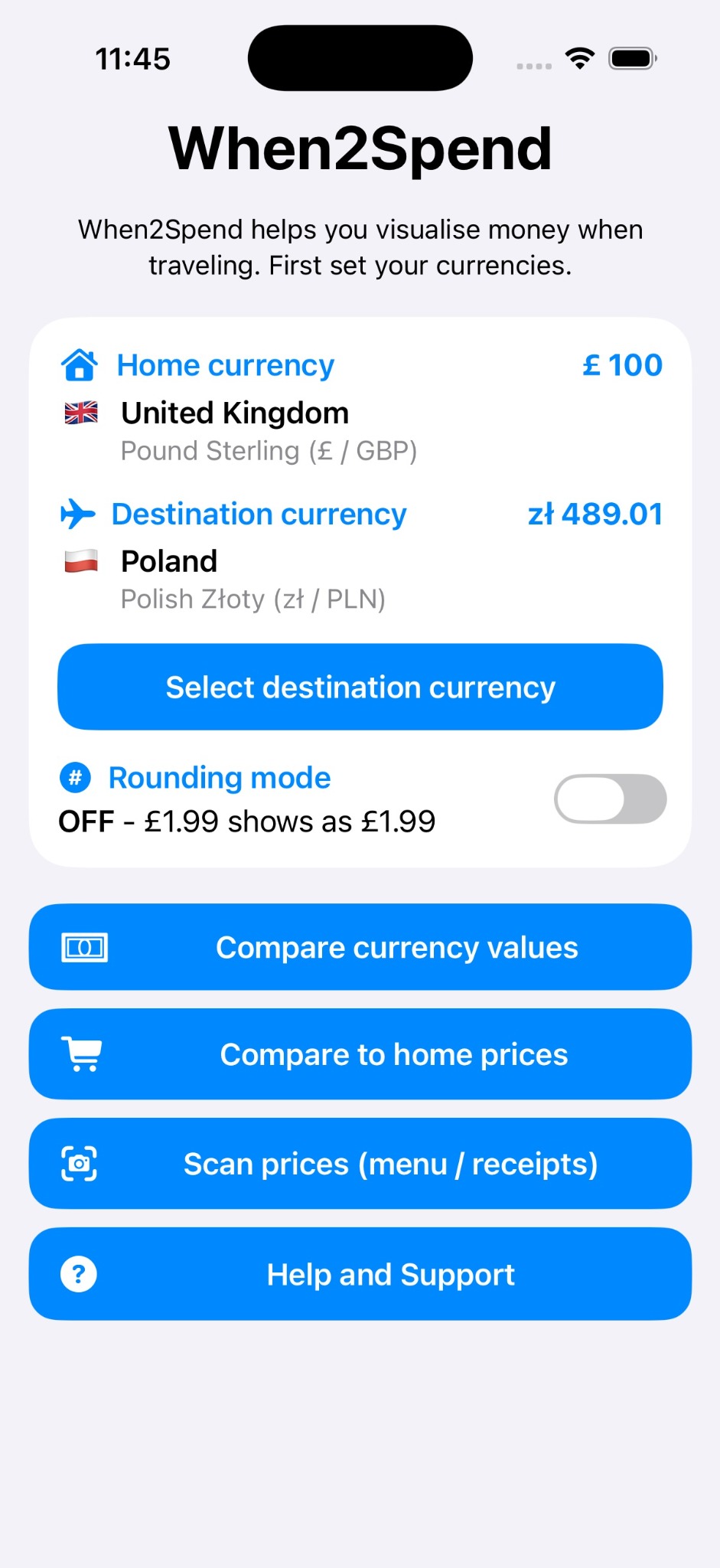
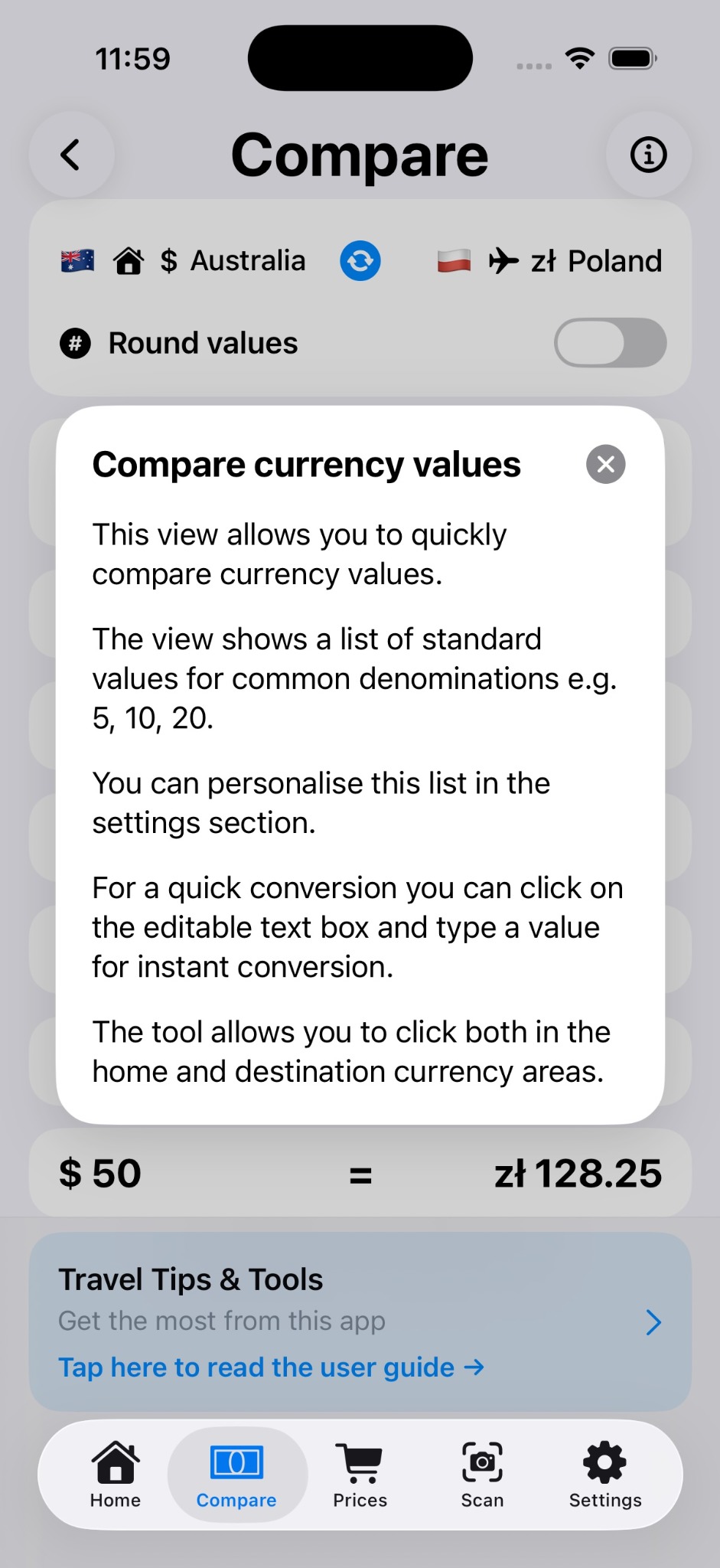
Choose where you are from and where you are travelling so the app can show side-by-side comparisons.
A simple guide to help you compare travel money values, understand local prices and scan receipts with confidence.
Choose where you are from and where you are travelling so the app can show side-by-side comparisons.
Turn rounding on when you want quick mental estimates, or keep exact values for more precision.
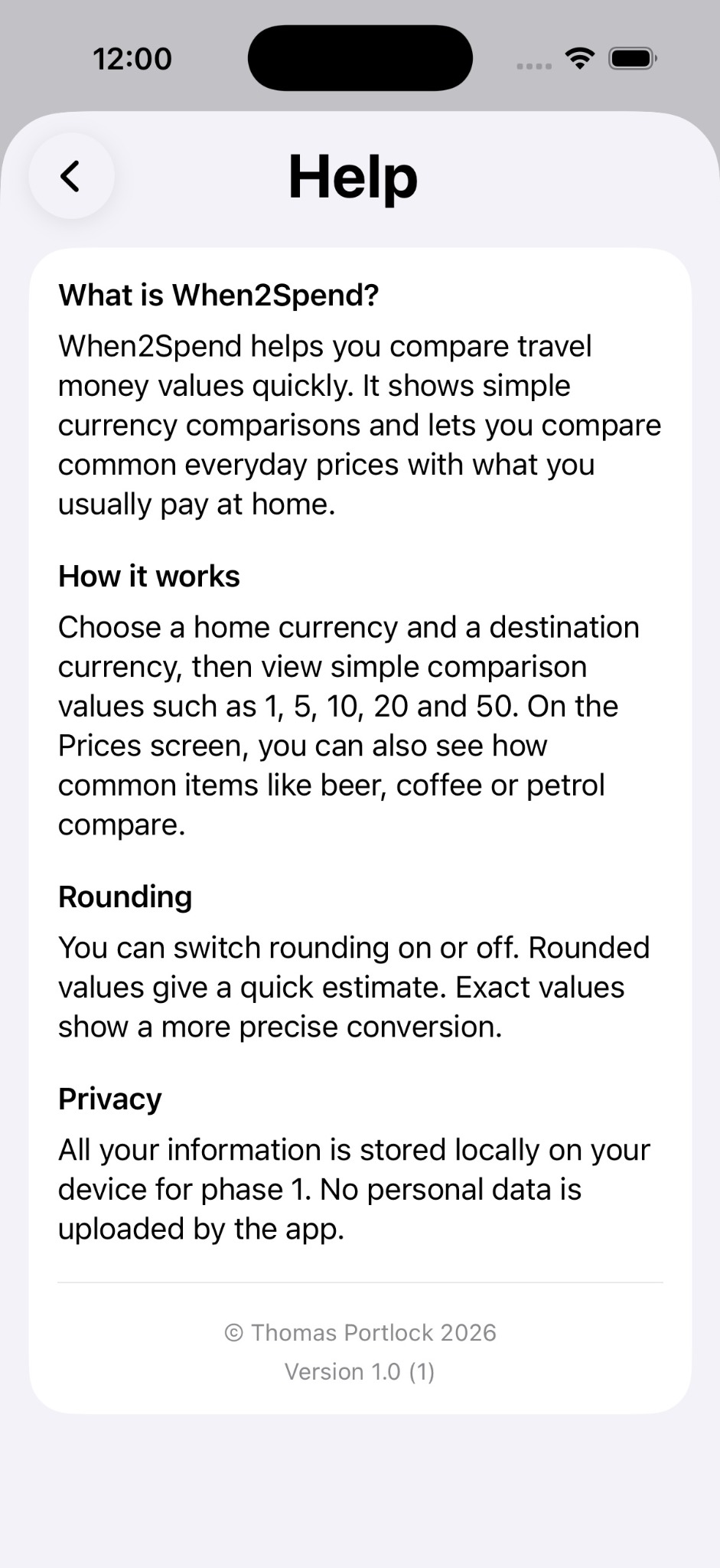
See common values like 1, 5, 10, 20 and 50, or type your own number into the editable field for a quick conversion.
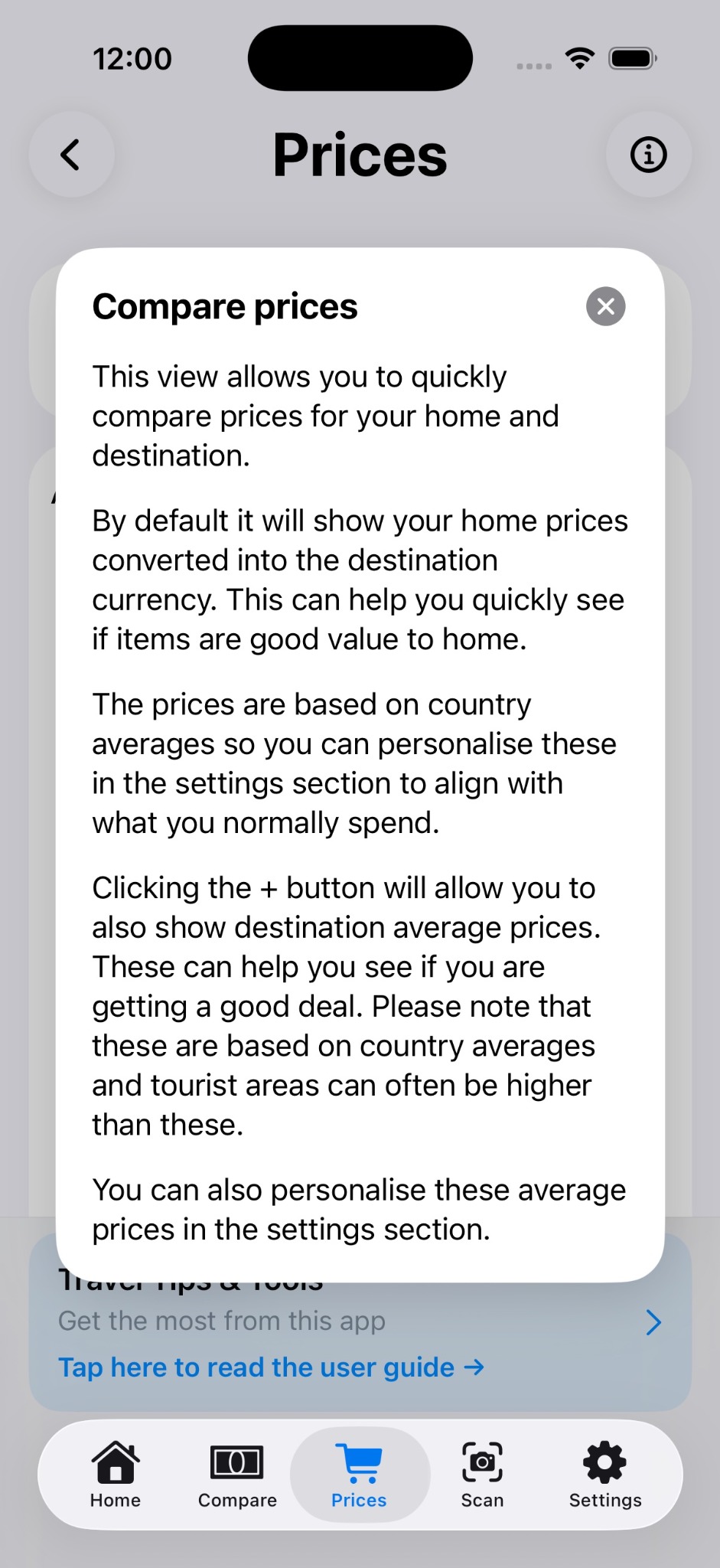
Check categories such as drinks, food, travel and shopping against what you normally pay at home.
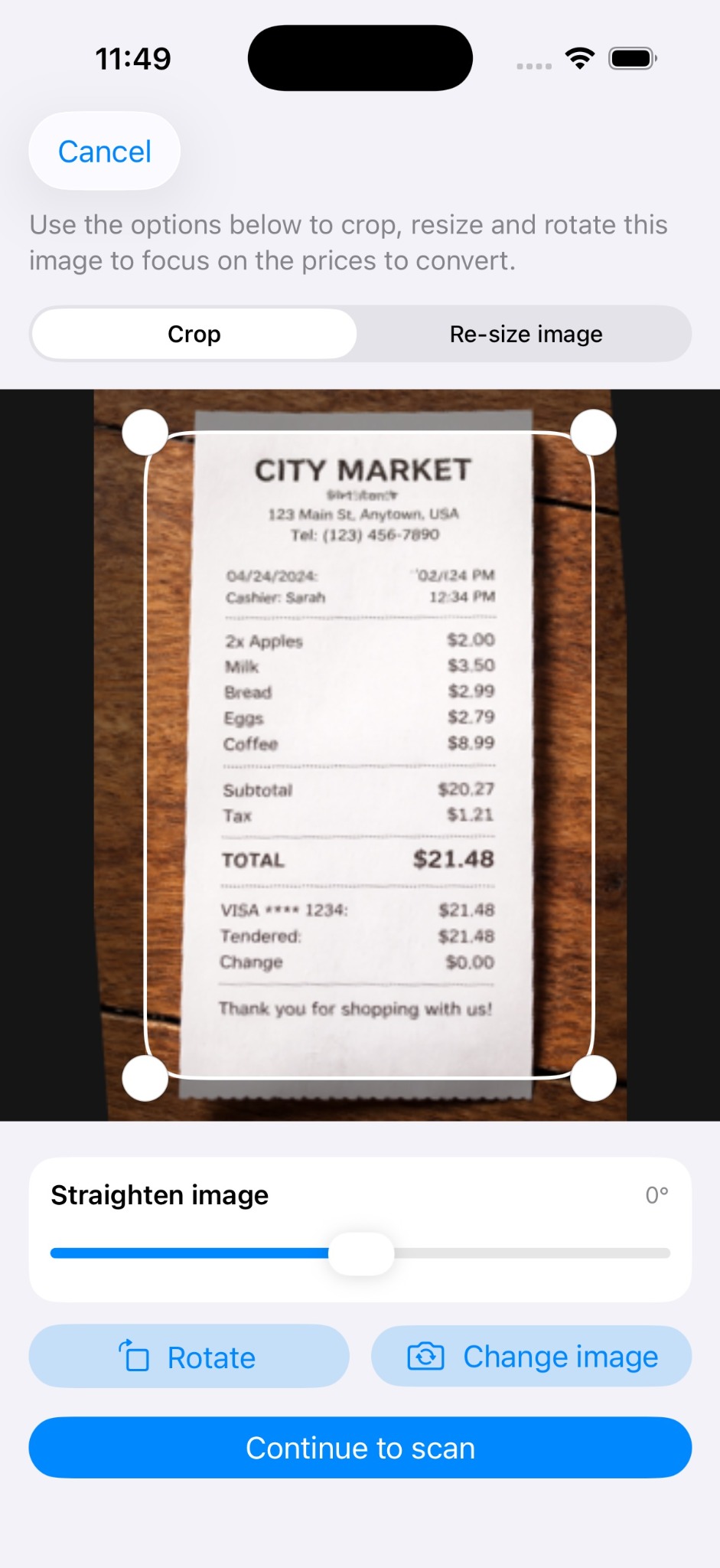
Use the scan tool to crop and focus on the part of an image that contains the prices you want to convert.